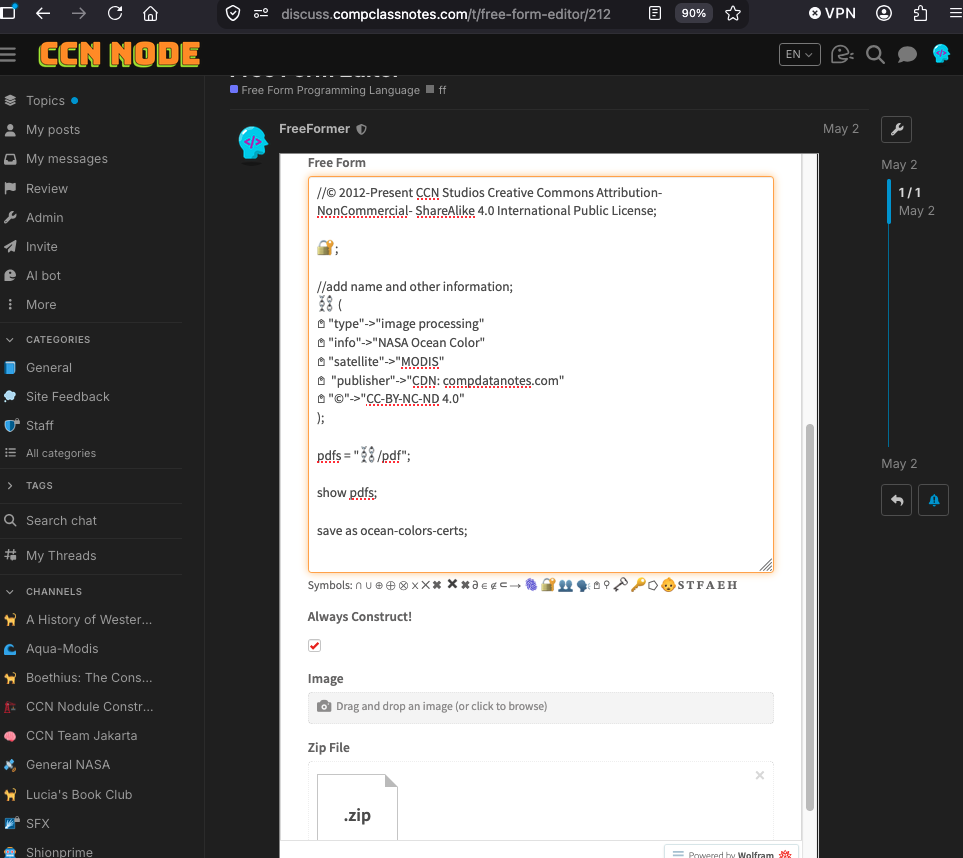
Example: NASA Ocean Color (MODIS)
Ocean Colors?
- The MODIS instrument is operating on both the Terra and Aqua spacecraft. It has a viewing swath width of 2,330 km and views the entire surface of the Earth every one to two days. Its detectors measure 36 spectral bands between 0.405 and 14.385 µm, and it acquires data at three spatial resolutions -- 250m, 500m, and 1,000m.
- Along with all the data from other instruments on board the Terra spacecraft and Aqua Spacecraft, MODIS data are transferred to ground stations in White Sands, New Mexico, via the Tracking and Data Relay Satellite System (TDRSS). The data are then sent to the EOS Data and Operations System (EDOS) at the Goddard Space Flight Center. The Level 1A, Level 1B, geolocation and cloud mask products and the Higher-level MODIS land and atmosphere products are produced by the MODIS Adaptive Processing System (MODAPS), and then are parceled out among three DAACs for distribution. Ocean color products are produced by the Ocean Color Data Processing System (OCDPS) and distributed to the science and applications community.
- https://oceandata.sci.gsfc.nasa.gov/
- https://oceandata.sci.gsfc.nasa.gov/gallery/
|
|
|
|
|
|
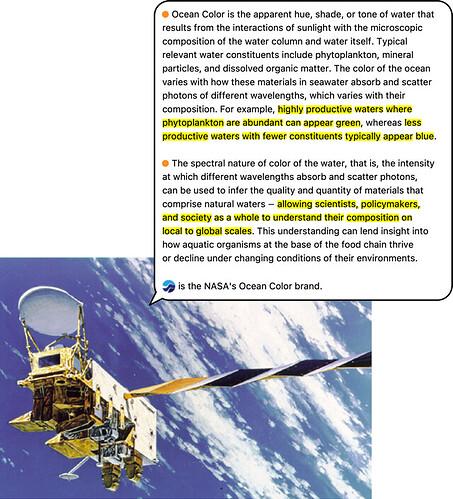
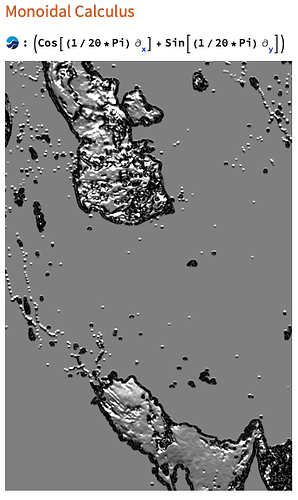
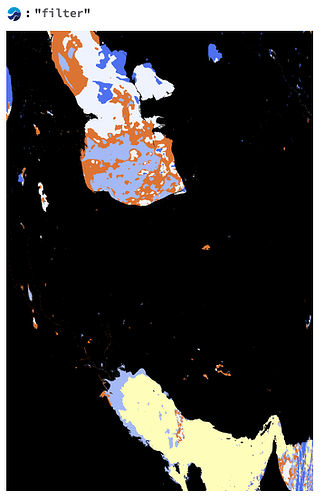
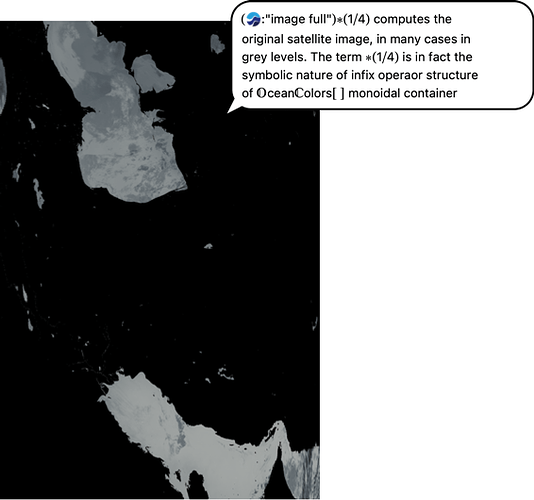
Free Form Script
//© 2012-Present CCN Studios Creative Commons Attribution- NonCommercial- ShareAlike 4.0 International Public License;

🔐;

//add name and other information;
⛓️ (
𖤘 "type"->"image processing"
𖤘 "info"->"NASA Ocean Color"
𖤘 "satellite"->"MODIS"
𖤘  "publisher"->"CDN: compdatanotes.com"
𖤘 "©"->"CC-BY-NC-ND 4.0"
);

pdfs = "⛓️/pdf";

show pdfs;

save as ocean-colors-certs;
Output:
"pdfs" ⟶ "({"https://www.wolframcloud.com/obj/ccn2/freeform/ff/blockchain/bloxberg2/cert_pdf/certs_free_ocean-colors-certs_1.pdf", "https://www.wolframcloud.com/obj/ccn2/freeform/ff/blockchain/bloxberg2/cert_pdf/certs_free_ocean-colors-certs_2.pdf", "https://www.wolframcloud.com/obj/ccn2/freeform/ff/blockchain/bloxberg2/cert_pdf/certs_free_ocean-colors-certs_3.pdf", "https://www.wolframcloud.com/obj/ccn2/freeform/ff/blockchain/bloxberg2/cert_pdf/certs_free_ocean-colors-certs_4.pdf", "https://www.wolframcloud.com/obj/ccn2/freeform/ff/blockchain/bloxberg2/cert_pdf/certs_free_ocean-colors-certs_5.pdf", "https://www.wolframcloud.com/obj/ccn2/freeform/ff/blockchain/bloxberg2/cert_pdf/certs_free_ocean-colors-certs_6.pdf", "https://www.wolframcloud.com/obj/ccn2/freeform/ff/blockchain/bloxberg2/cert_pdf/certs_free_ocean-colors-certs_7.pdf", "https://www.wolframcloud.com/obj/ccn2/freeform/ff/blockchain/bloxberg2/cert_pdf/certs_free_ocean-colors-certs_8.pdf", "https://www.wolframcloud.com/obj/ccn2/freeform/ff/blockchain/bloxberg2/cert_pdf/certs_free_ocean-colors-certs_9.pdf", "https://www.wolframcloud.com/obj/ccn2/freeform/ff/blockchain/bloxberg2/cert_pdf/certs_free_ocean-colors-certs_10.pdf", "https://www.wolframcloud.com/obj/ccn2/freeform/ff/blockchain/bloxberg2/cert_pdf/certs_free_ocean-colors-certs_11.pdf", "https://www.wolframcloud.com/obj/ccn2/freeform/ff/blockchain/bloxberg2/cert_pdf/certs_free_ocean-colors-certs_12.pdf"}) "
Batch Input: Zipped Directory
- Create a directory
- Copy and paste all files for Contents into a blockchain
- Zip the directory
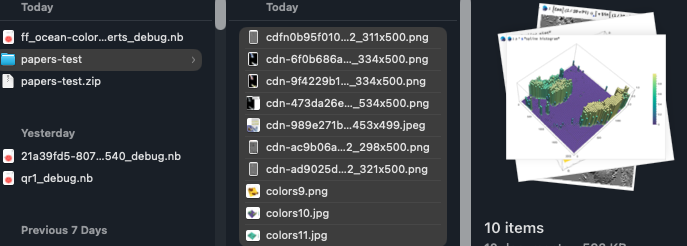
- Input the zip file into Zip File labeled input field