
Example: Bardcodes
Any image/photo entering the Free Form language computational container is immediately processed for:
- Any faces? if yes, highlight and cutout the facial regions and compute them (their properties).
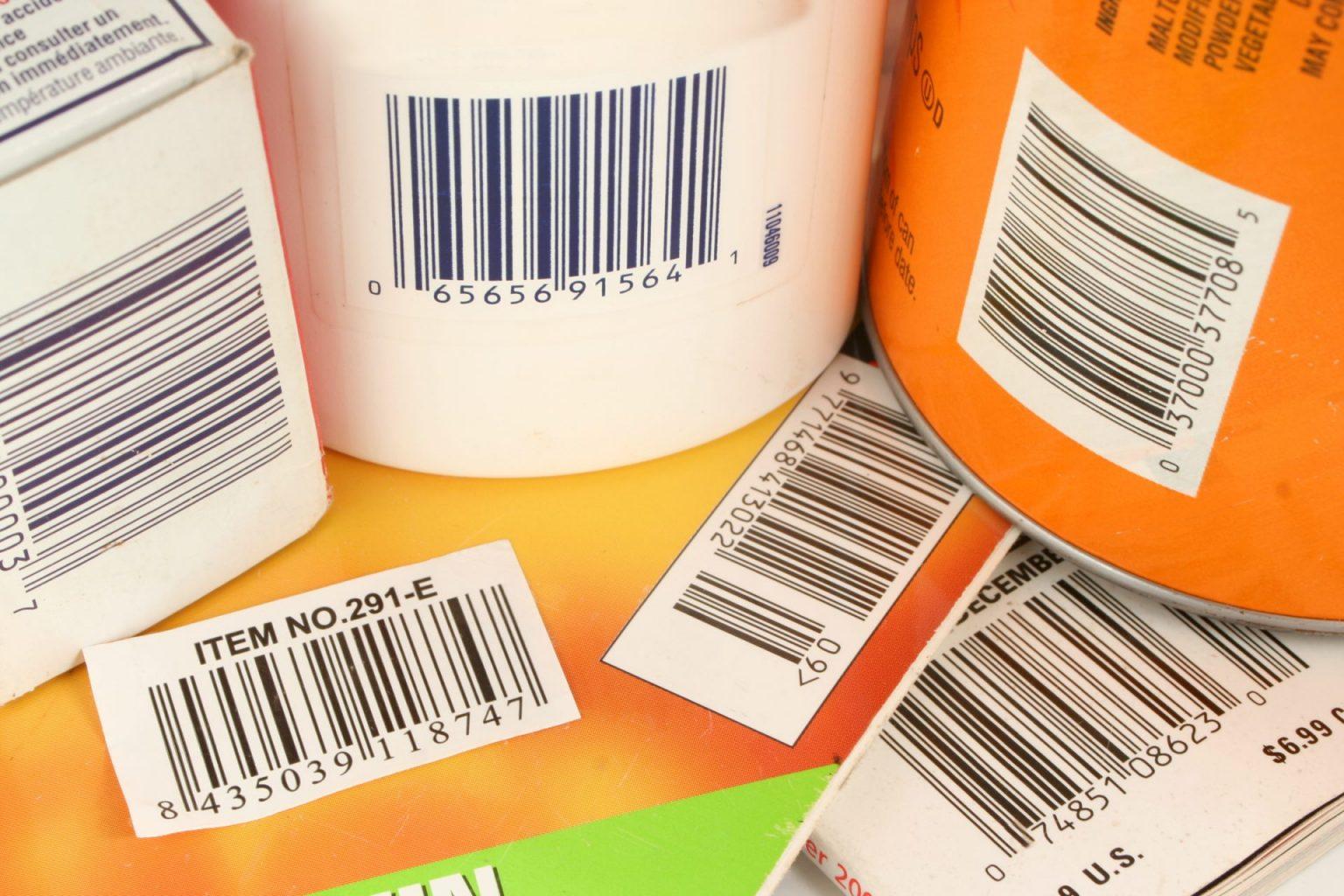
- Any barcodes or qr-codes? if yes, highlight the barcode regions and read them.
- Any texts? if yes, OCR the image.
- Add the necessary post-processing e.g. image annotations
- Finally collect at the resulting metadata tags and contents (to be hashed) ⚲ and URL export as String
//symbol to process barcodes and qrcodes;
𝄃𝄃𝄂𝄀𝄁𝄃𝄂;

🔐;

//add name and other information;
⛓️ (
𖤘"first name"->"dara"
𖤘"last name"->"shayda"
);

show "𝄃𝄃𝄂𝄀𝄁𝄃𝄂/index";

show "𝄃𝄃𝄂𝄀𝄁𝄃𝄂/bartexts";

save as blox_qr;
Output
"𝄃𝄃𝄂𝄀𝄁𝄃𝄂/index"
"𝄃𝄃𝄂𝄀𝄁𝄃𝄂/bartexts"
{"065656915641", "065515000037", "9771468413022", "037000377085", "8435039118747"}
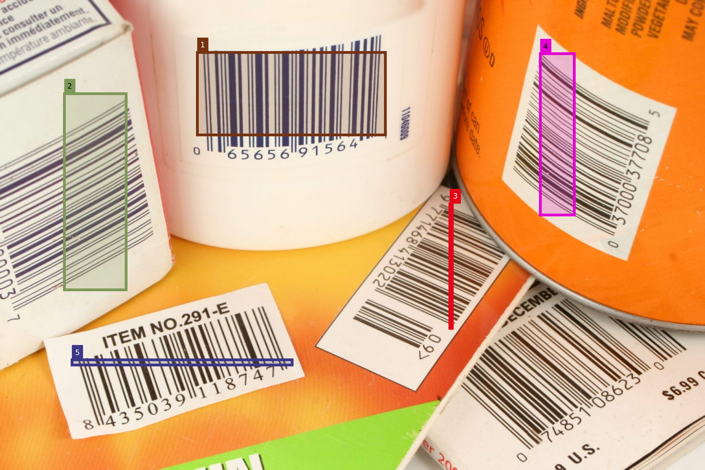
qr-codes or bar-codes bounding box scanning area
Any geometrical information pertinent to full understanding and computational access for a region of an image or a recognized object is computed and place in appropriate JSON structures.
"𝄃𝄃𝄂𝄀𝄁𝄃𝄂/boxes"
[
[
[
4.295e2,
7.305e2
],
[
8.395e2,
9.105e2
]
],
[
[
1.395e2,
3.925e2
],
[
2.745e2,
8.205e2
]
],
[
[
9.805e2,
3.085e2
],
[
9.855e2,
5.805e2
]
],
[
[
1.1775e3,
5.555e2
],
[
1.2515e3,
9.075e2
]
],
[
[
1.565e2,
2.285e2
],
[
6.365e2,
2.395e2
]
]
]